
Blog
Practical Ways Gamers Can Simplify a Major Relocation
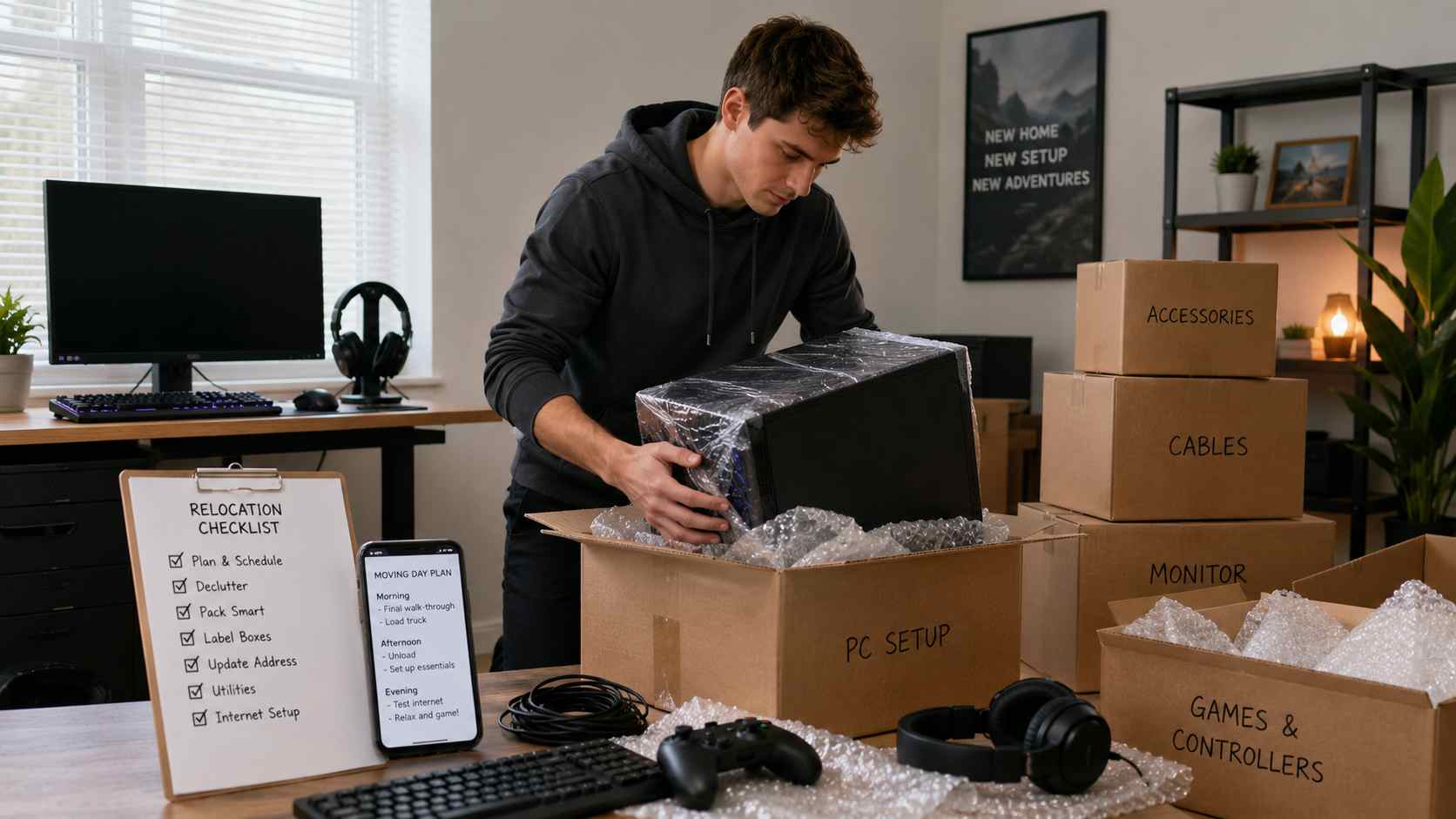
Moving to a new home can feel exciting, but for gamers, it can also bring extra stress. Along with clothes, furniture, documents, and daily essentials, there is also the gaming setup to think about. Consoles, PCs, monitors, controllers, headsets, gaming chairs, collectibles, streaming gear, and internet setup all need careful handling.
Whether you are relocating for work, study, family, or a fresh start, planning your move properly can help protect your gaming equipment and make the transition much smoother. A little preparation can save you from damaged devices, missing cables, delayed internet, and unnecessary stress once you arrive.
Start Planning Before the Move Gets Busy
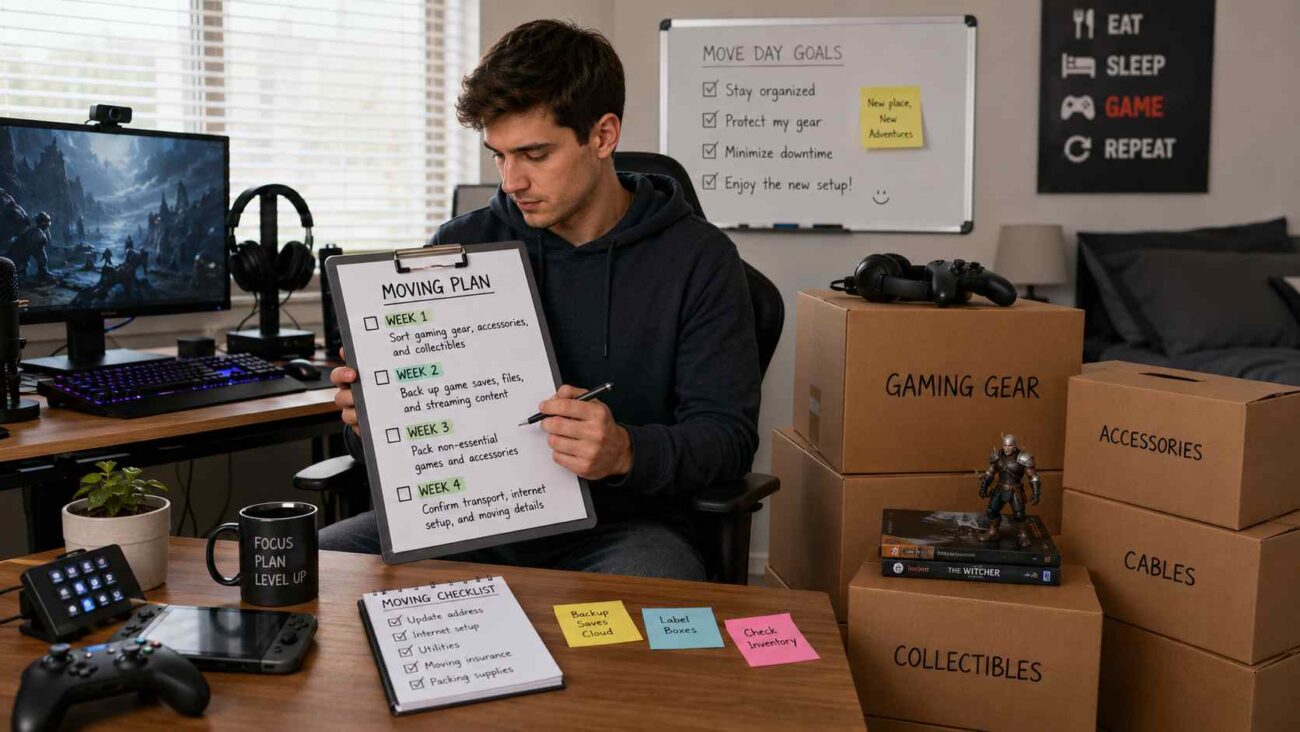
One of the biggest mistakes gamers can make during a relocation is leaving everything until the last minute. A gaming setup often has more parts than it seems. There may be power cables, HDMI cables, display ports, adapters, external drives, controllers, VR gear, capture cards, microphones, and accessories.
Creating a moving timeline early can make the process easier. Instead of packing everything in one rushed day, break the move into smaller tasks.
For example:
| Timeline | Task |
|---|---|
| Week 1 | Sort gaming gear, accessories, and collectibles |
| Week 2 | Back up game saves, files, and streaming content |
| Week 3 | Pack non-essential games and accessories |
| Week 4 | Confirm transport, internet setup, and moving details |
A simple plan helps you stay organized and reduces the chance of losing important items during the move.
Declutter Your Gaming Collection
A major relocation is a good time to review what you actually use. Many gamers collect old controllers, broken cables, unused boxes, outdated accessories, and games they no longer play. Moving these items only adds extra work and takes up space.
Before packing, separate your gaming items into simple groups:
| Category | What to Include |
|---|---|
| Keep | Consoles, PC parts, favorite games, daily-use accessories |
| Sell | Extra controllers, old games, unused peripherals |
| Donate | Working games or accessories you no longer need |
| Recycle | Damaged cables, broken electronics, old batteries |
| Store | Collectibles, limited editions, display items |
Decluttering before the move makes unpacking easier and helps your new gaming space feel cleaner from the beginning.
Protect Your Gaming Equipment Properly
Gaming devices need more care than regular household items. Monitors, consoles, gaming PCs, keyboards, and audio equipment can be damaged if they are packed carelessly.
Use strong boxes, bubble wrap, foam, or soft clothing to protect fragile items. If you still have the original packaging for your console, monitor, or PC parts, use it because it is usually designed for safe transport.
Packing efficiently can save both time and effort when unpacking later, especially when every cable, controller, and accessory has a proper place. Label each box clearly so you know what is inside without opening everything at once.
Helpful packing tips for gamers include:
| Item | Packing Tip |
|---|---|
| Gaming PC | Remove loose internal parts if needed and pack carefully |
| Monitor | Wrap screen safely and avoid placing pressure on the display |
| Console | Pack with padding and keep cables in the same box |
| Controllers | Store in a small padded box or case |
| Games | Keep discs and cartridges in original cases |
| Cables | Use cable ties and label them by device |
Taking photos of your gaming setup before unplugging everything can also help when reconnecting it later.
Keep Important Gaming Data Safe
Before moving, back up your important data; this is especially important for PC gamers, streamers, and content creators. Losing saved files, gameplay recordings, mods, thumbnails, editing projects, or streaming layouts can be frustrating.
Make sure to back up:
| Data Type | Backup Option |
|---|---|
| Game saves | Cloud storage or external drive |
| Streaming assets | External drive or cloud folder |
| Video clips | Backup drive |
| Mods | Organized folder backup |
| Account details | Password manager |
Also, check that your gaming accounts are secure. Make sure two-factor authentication is active where possible, especially for platforms like Steam, PlayStation, Xbox, Epic Games, and streaming accounts.
Arrange Transport Early
Transportation is an important part of any relocation, but it matters even more when valuable gaming equipment is involved. A high-end gaming PC, monitor setup, racing wheel, arcade cabinet, or console collection should not be treated like ordinary boxes.
If you are moving long-distance, think carefully about how your equipment and vehicle will reach the new location. Some people prefer to use professional moving services for household items and separate vehicle services for their car. For example, services like Colorado Springs car transporters can help reduce the stress of driving long distances while also managing a busy relocation.
Arranging transport early gives you more time to compare options, check availability, and avoid last-minute pressure.
Communicate With Everyone Involved
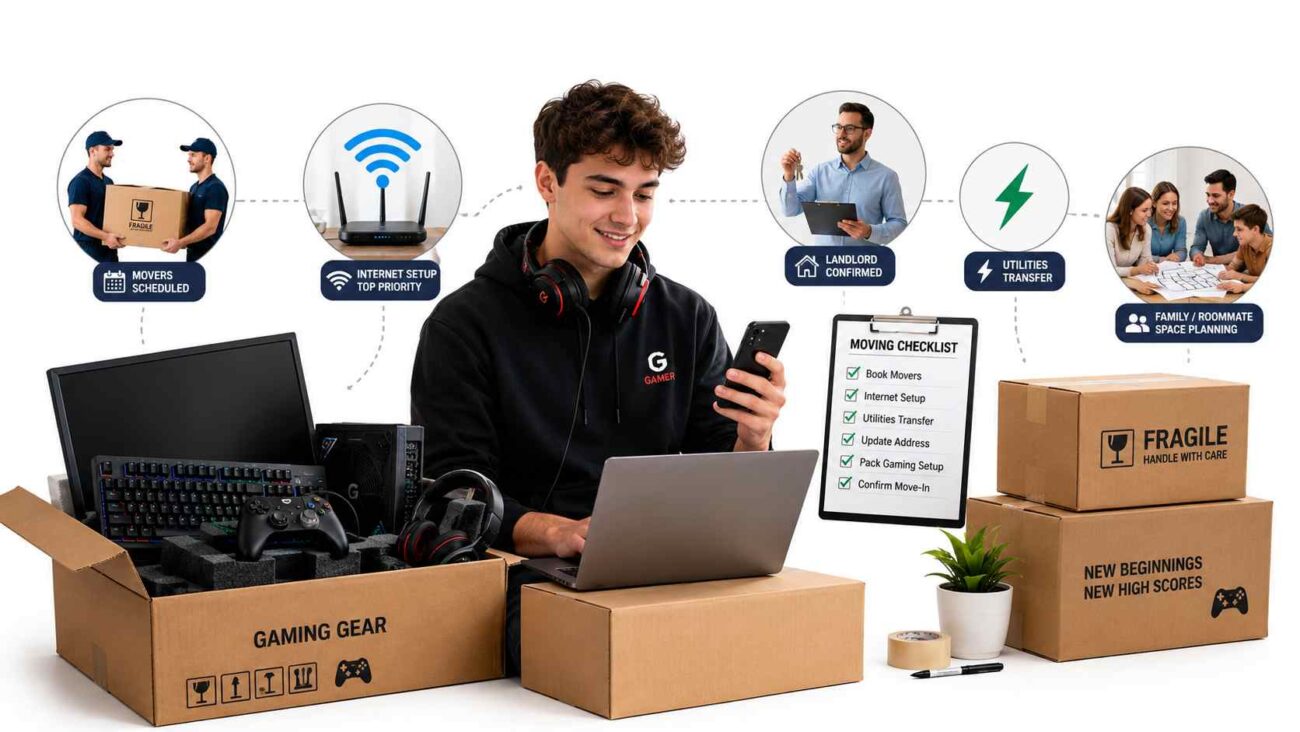
A relocation often involves movers, landlords, internet providers, family members, utility companies, and sometimes employers or schools. Clear communication helps avoid confusion and delays, especially when you need certain things ready before your gaming setup can work again.
For gamers, internet installation should be a top priority. A powerful gaming setup is not very useful if the connection is slow, unstable, or delayed.
Before moving, confirm:
| Service or Person | What to Confirm |
|---|---|
| Internet provider | Installation date and speed options |
| Movers | Fragile equipment instructions |
| Landlord or property manager | Move-in rules and access times |
| Utility companies | Electricity activation |
| Family or roommates | Space for setup and storage |
| Transport provider | Pickup and delivery schedule |
Good communication can help you avoid problems like arriving before utilities are ready or waiting days for internet activation.
Set Up Essentials First
Once you arrive, you may want to build your full gaming room immediately, but it is better to start with the basics. Focus first on daily comfort and the main setup you need.
Start with:
| Priority | Why It Matters |
|---|---|
| Bed and bathroom items | Helps you rest after the move |
| Kitchen basics | Makes daily life easier |
| Internet setup | Important for gaming, work, and communication |
| Main gaming station | Helps you return to your normal routine |
| Cable organization | Keeps the space clean and safe |
You do not need to unpack every game, collectible, and accessory on the first day. Start with your main device, monitor, headset, controller, and essential cables. The rest can be arranged gradually.
Build a Better Gaming Space in the New Home
A move can be a great chance to improve your gaming setup. Instead of recreating your old space exactly, think about what could be better this time.
Consider:
| Setup Area | Improvement Idea |
|---|---|
| Desk layout | Better cable management and more space |
| Lighting | Softer lights for long gaming sessions |
| Chair position | More comfort and better posture |
| Internet connection | Wired Ethernet for smoother gameplay |
| Storage | Shelves for games, controllers, and collectibles |
| Sound setup | Better speaker or headset placement |
A fresh space gives you the opportunity to create a cleaner, more comfortable, and more practical gaming area.
Explore the New Area Like an Open World
Moving is not only about unpacking boxes. It is also about getting used to a new environment. Gamers often spend a lot of time indoors, but it is still helpful to explore the surrounding area gradually so the new place starts to feel familiar.
Look for local gaming stores, electronics shops, internet cafes, esports venues, hobby stores, or community events. You may also find local groups for tabletop games, card games, tournaments, or gaming meetups.
Exploring slowly can make the relocation feel less stressful and more like starting a new chapter.
Final Thoughts
A major relocation can feel challenging, but gamers can make the process much easier with proper planning. By organizing equipment early, protecting devices, backing up important data, arranging reliable transport, and setting up essentials first, you can reduce stress and protect the gear that matters most.
Moving to a new place can also be a chance to build a better gaming setup, improve your space, and discover new local communities. With the right approach, your relocation can feel less like a stressful mission and more like the start of a new level.